
A Simpler Way to Start
Website Conversations.
We built MyChatFlow around a simple problem: many businesses want website visitors to start a WhatsApp conversation, but they do not need a complicated chat stack for every interaction.
The Genesis
Built Around Real
Business Needs.
We saw teams spending time and money setting up chat systems that were more complicated than the conversations they needed to start. For many sites, the first step is simply answering a few common questions and then moving a serious enquiry to WhatsApp.
For smaller teams, that extra complexity can make a website chat project hard to justify. We wanted a simpler option: let the website handle the first few steps and let the business continue the conversation in WhatsApp.
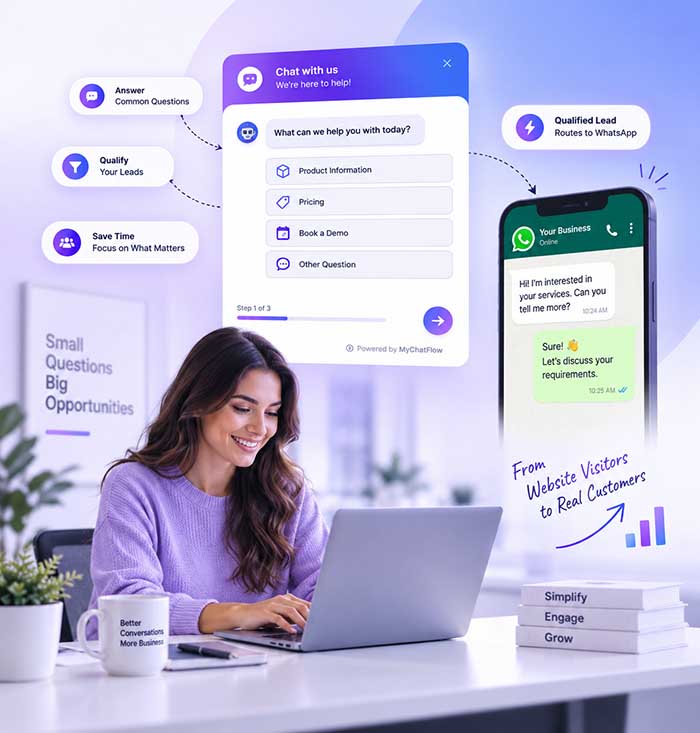
That’s when the idea for MyChatFlow was born. We asked ourselves: "What if we could build a smart, intermediate decision-tree widget that handles the initial interaction on the website, and only routes the highly qualified leads directly to the native WhatsApp app?"
What we are trying to build
Making Website Chat
Practical for Teams.
Our goal is to give businesses a practical way to organise the first part of a website conversation. The focus is on clear flows, useful lead capture, and a straightforward handoff to WhatsApp.
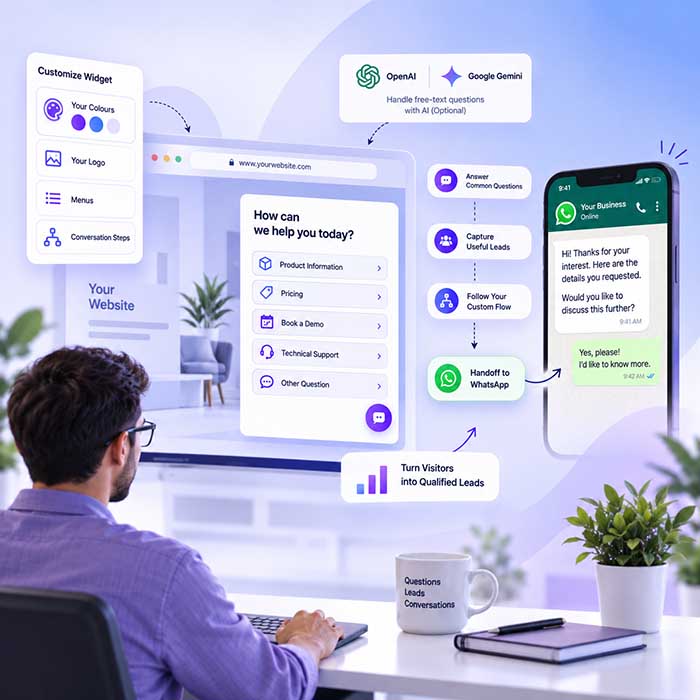
The widget can be customised with your colours, logo, menus, and conversation steps. You decide which questions visitors see and when the conversation should move to WhatsApp.
If you want more automation, you can connect an OpenAI or Google Gemini API key. The AI can handle free-text questions that fall outside the flow you created, after which the visitor can continue to WhatsApp.
The Engine Behind The Magic
The product is more than a WhatsApp button. It combines a website widget, guided flows, lead capture, and optional AI so each business can decide how much automation it actually needs.
Designed to load separately
The widget script loads separately from the main page and opens the chat interface on demand. Your final page performance will still depend on your hosting, theme, other scripts, and network conditions.
Domain controls
The dashboard lets you specify the domains where the widget should be used. This helps reduce accidental use of a widget configuration on an unrelated site.
WhatsApp handoff
When a visitor reaches the handoff step, MyChatFlow can prepare the conversation and open WhatsApp on supported devices. The final WhatsApp conversation takes place in the visitor's WhatsApp app.
Website conversations
Configured accounts
No separate per-message charge from MyChatFlow for the website widget flow
Service availability depends on infrastructure and network conditions
Want to try it on your site?
Create an account, build a small flow, and decide whether the widget fits the way your team handles website enquiries.